iPhone
Plans and days
Build your program once. 8GYM opens on the day you’re due.
Plans hold your program and days hold the exercises. Set it up once and 8GYM keeps track of where you are.
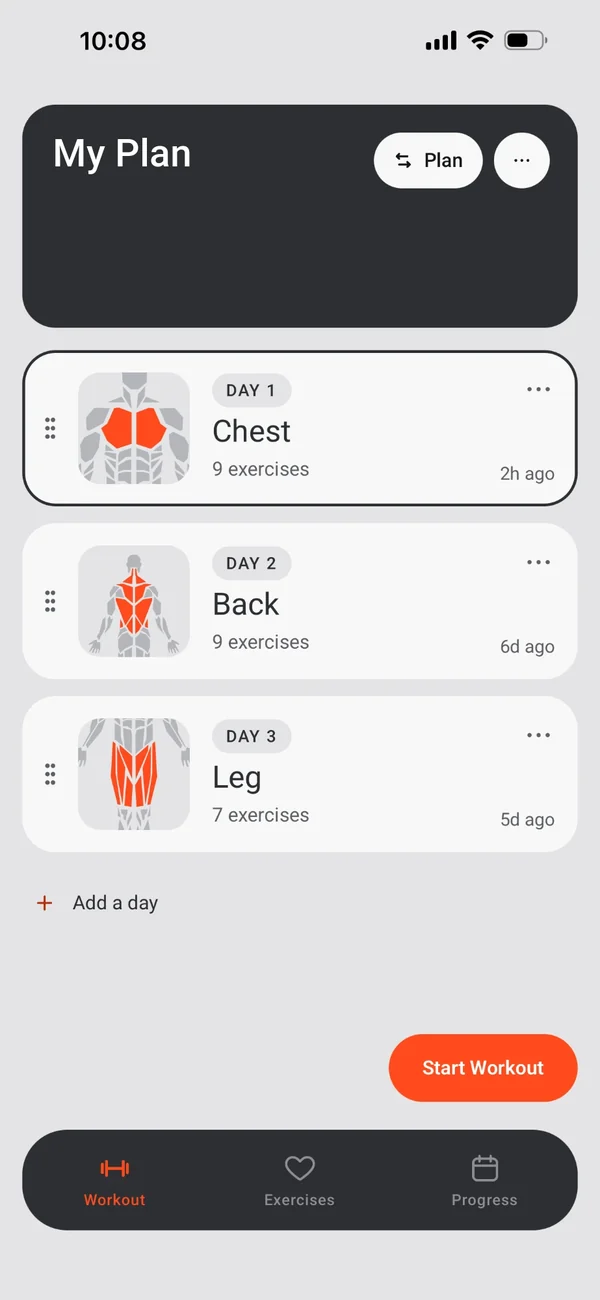
Plans
As many as you need.
- A name, a banner photo (or the default lifter art), and as many days as you like.
- Several plans: switch the active plan from the Workout page.
- Duplicate or delete plans; add, reorder, duplicate or delete days.
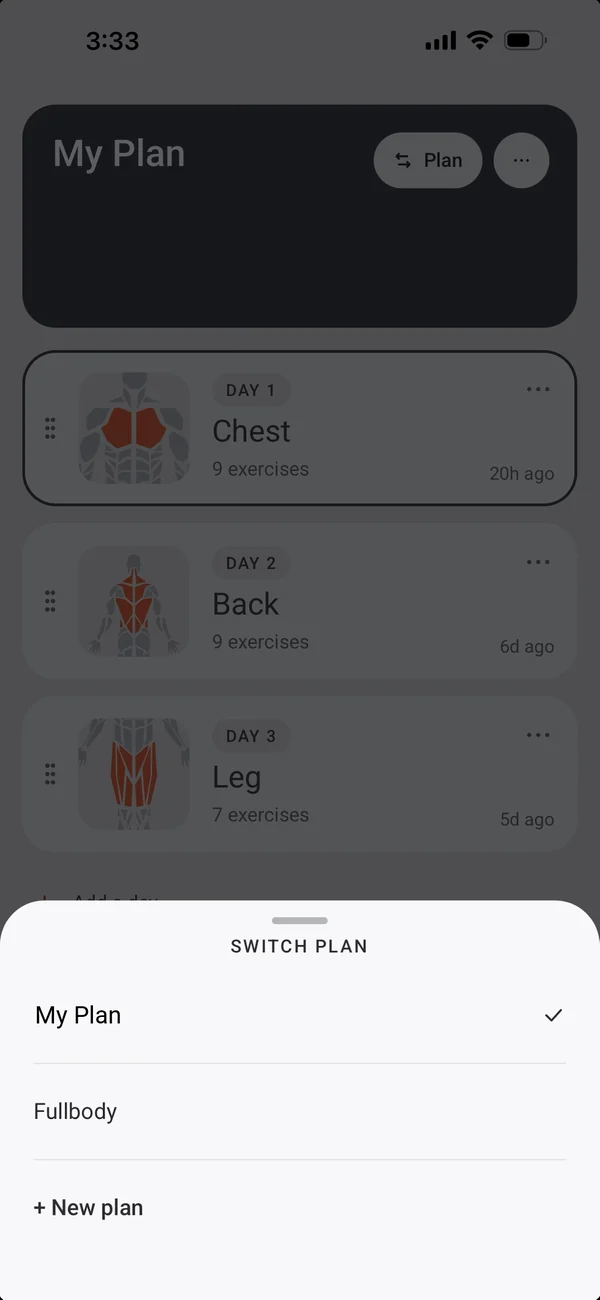
Two kinds of day
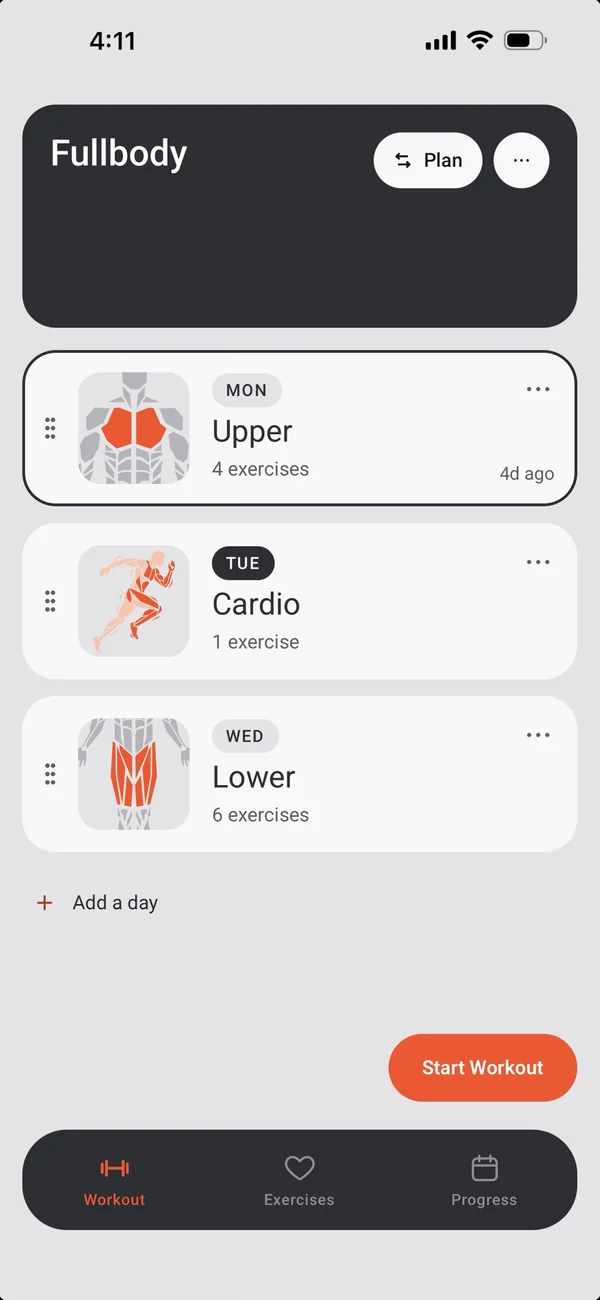
A rotation, or the days of the week.
- Numbered (Day 1, Day 2…): a rotation that opens on the next day.
- By weekday (Monday, Thursday…): today’s day is highlighted.
- A day can also be Any.
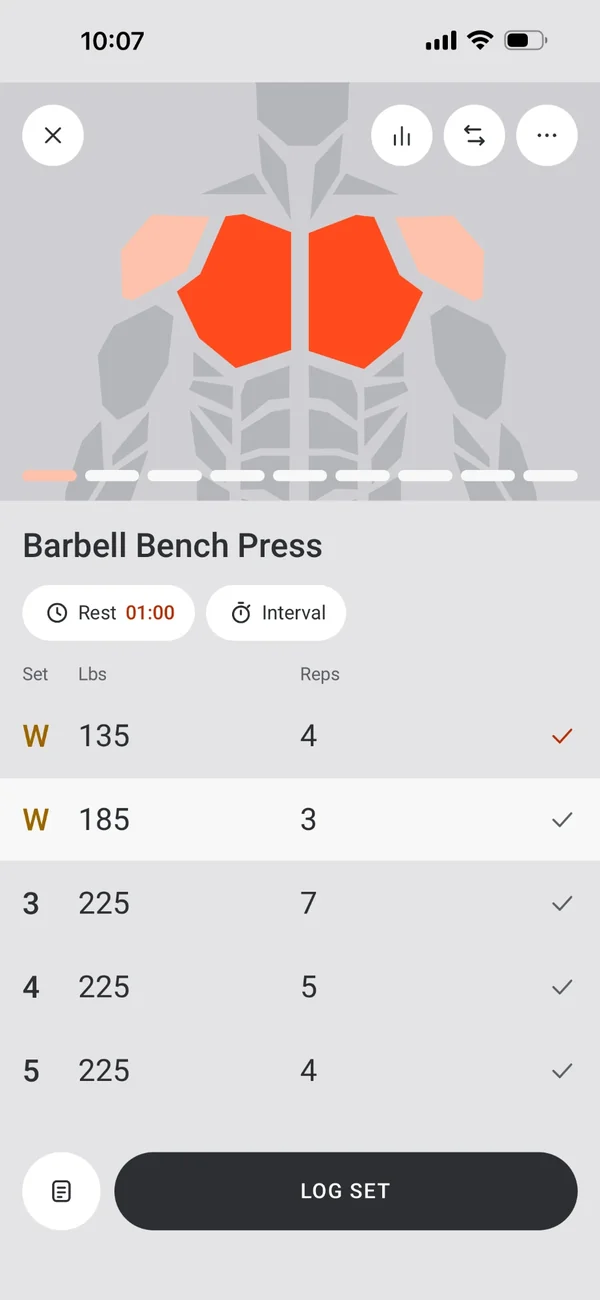
Each exercise, its own way
Set it up once, per exercise.
- Its own sets, reps, weight, rest and set types.
- It can join a superset.
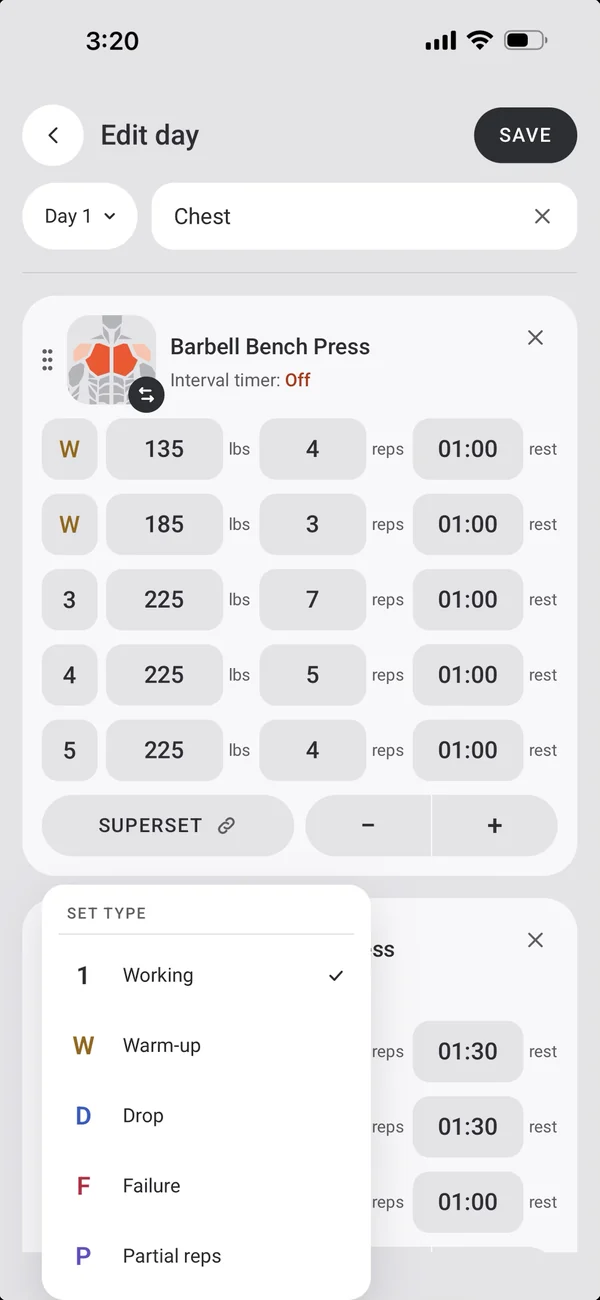
Edit day
A full editor.
- Rename the day and change its label.
- Add exercises from the library, and swap or remove them.
- Link supersets, set each set’s rest, and set an interval for timed exercises.
Day Details
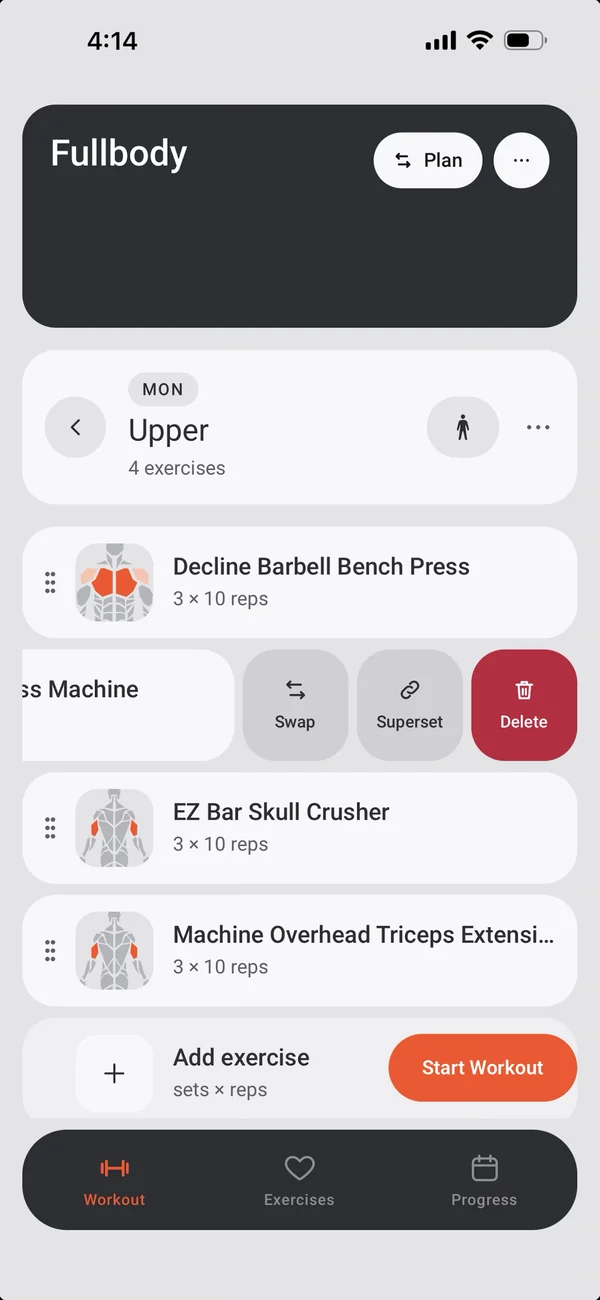
See a day before you start.
- Swipe a row to swap or remove it.
- Select rows to link them into a superset.
The plan learns
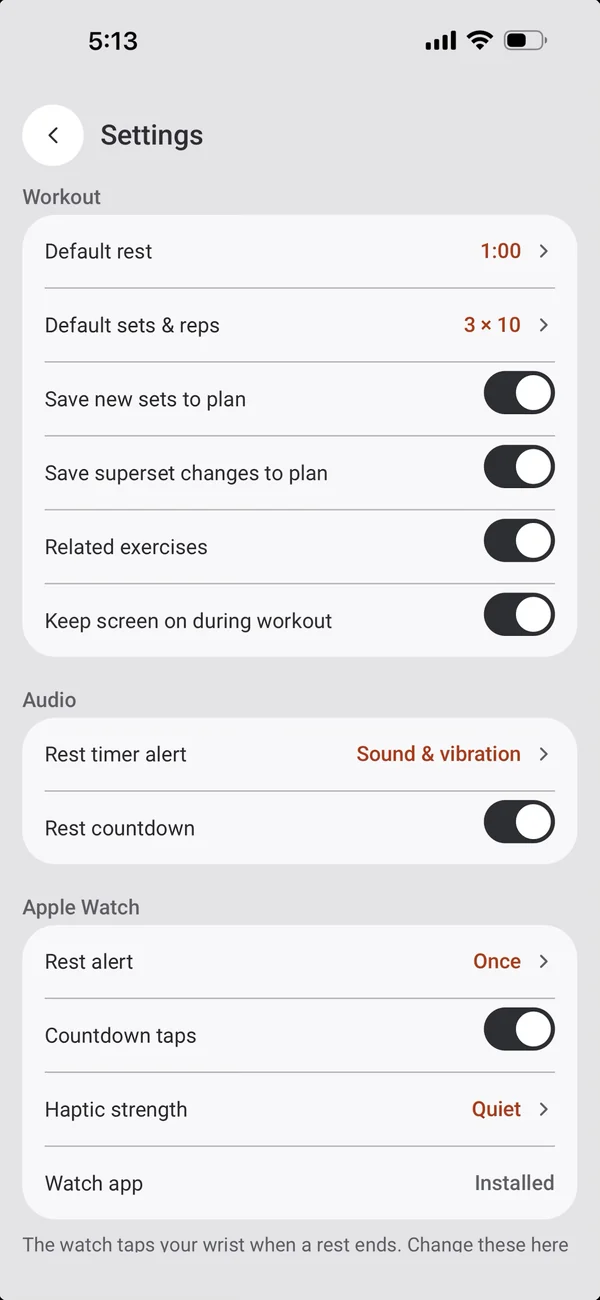
Your workouts can update the plan.
- Save new sets to plan keeps sets you added during a workout.
- Save superset changes to plan keeps supersets you made.
More iPhone features
← PreviousBody mapA body map that lights up where you trained.Next →Exercise libraryA ready-made library, your own exercises with photos, and a guide for each one.
All features