iPhone
Backup and your data
Your data is yours. Back it up, take it with you, export it.
Your workouts live on your phone. Backups go to your own iCloud Drive or to a file you keep.
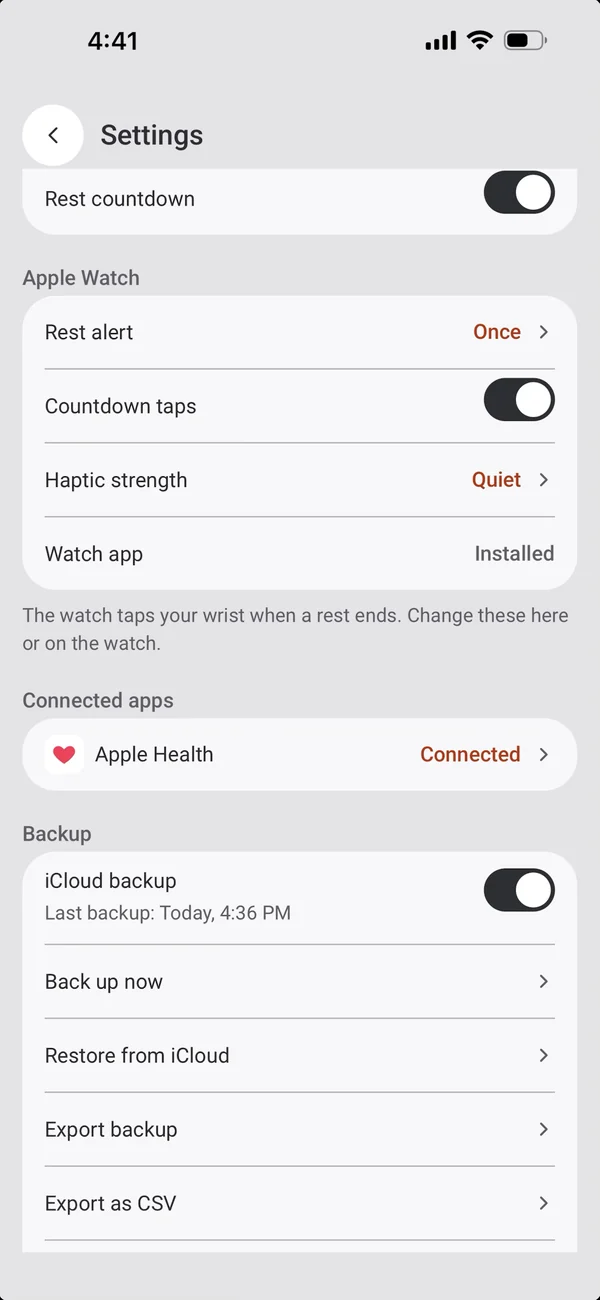
iCloud backup
Automatic, to your own iCloud Drive.
- Runs after each saved workout, and when you leave the app after changes.
- Or tap Back up now.
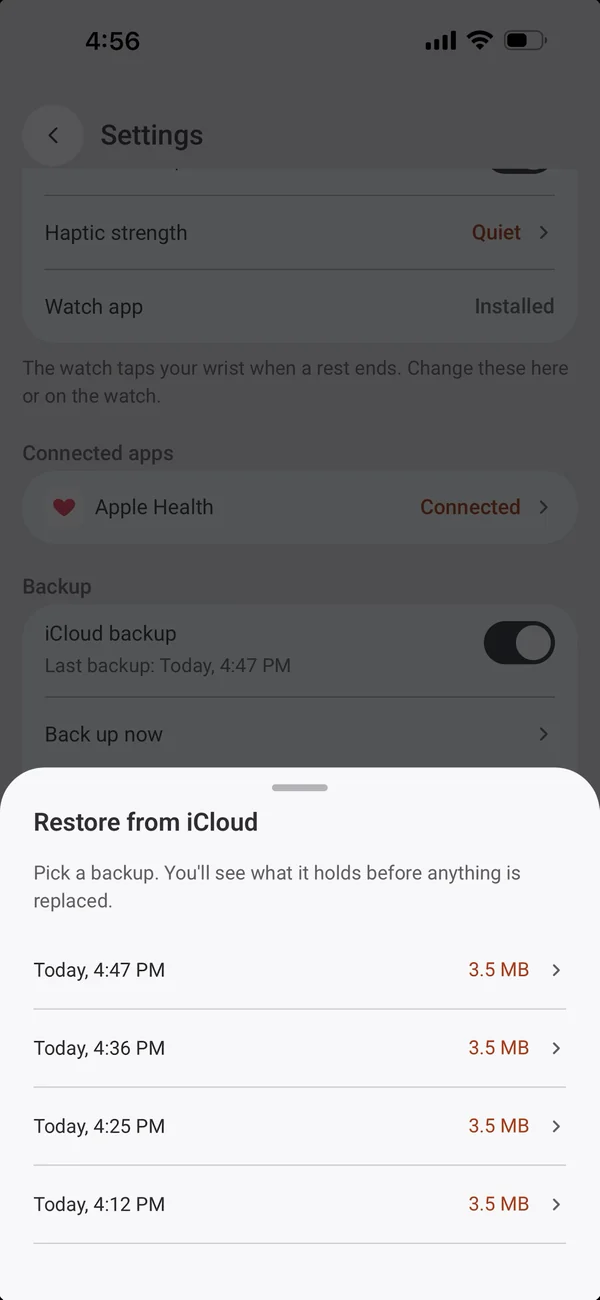
- Restore from iCloud lists your backups by date and size; it’s offered on first launch too.
A backup file
Everything in one file.
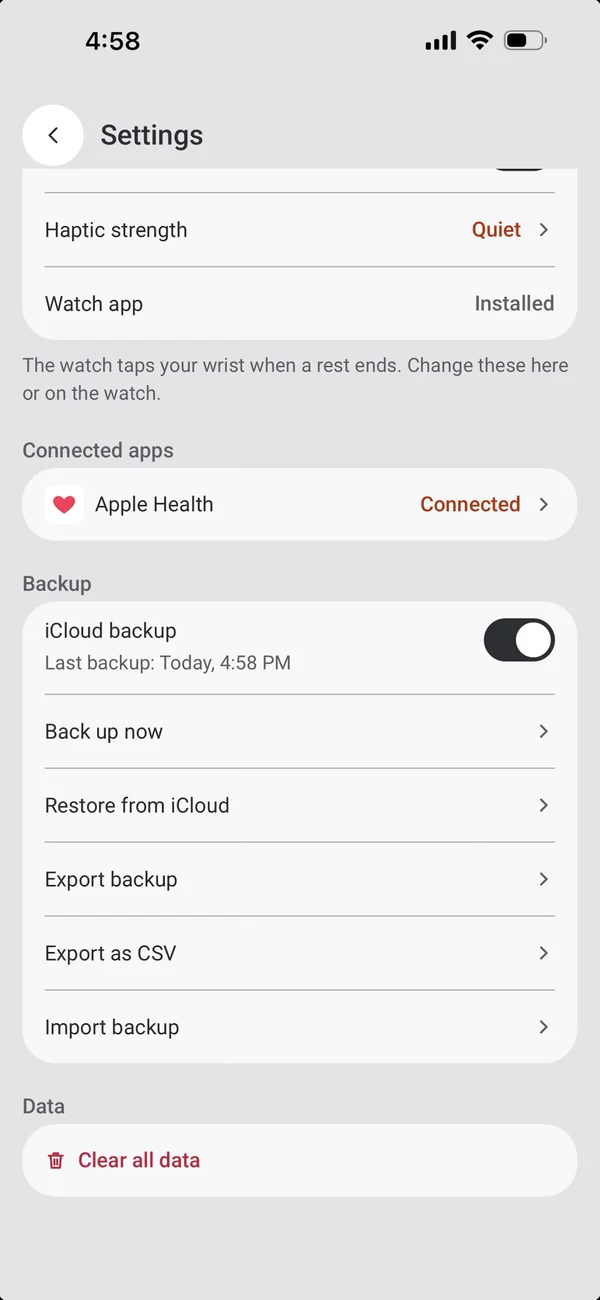
- Export backup: workouts, plans, exercises, photos and settings in one .8gym file.
- Import backup restores it and shows what it replaces first.
Export as CSV
For spreadsheets and other apps.
- workouts.csv, exercises.csv and plans.csv in a zip.
- Every set is one row.
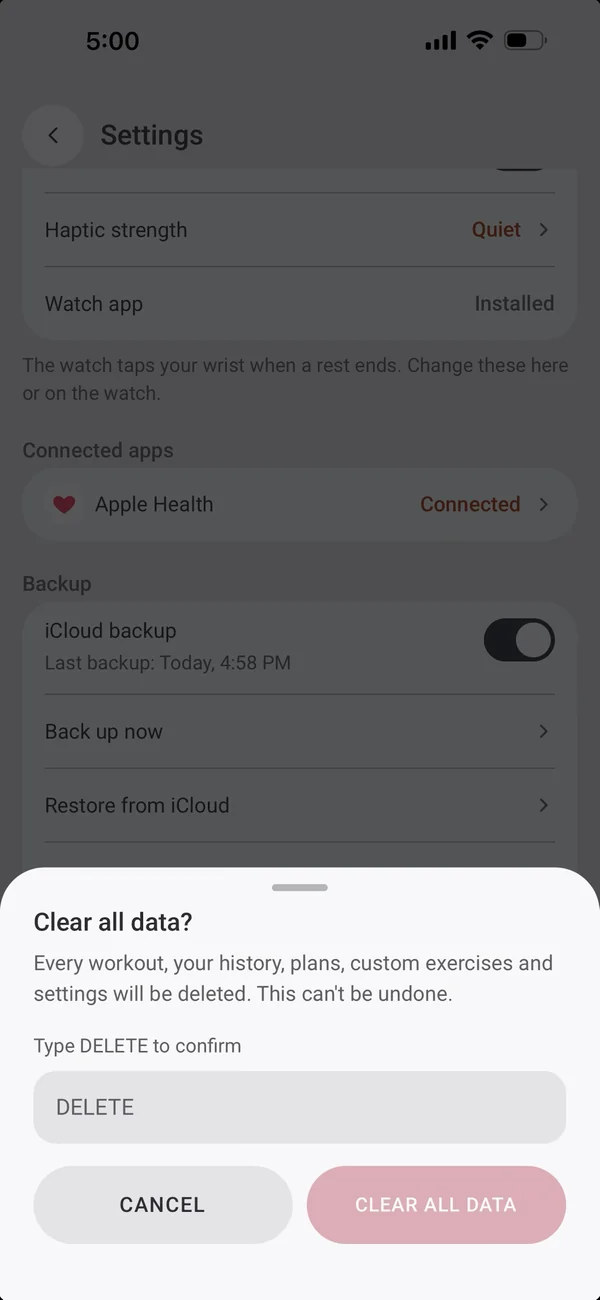
Clear all data
A clean start.
- Wipes everything 8GYM keeps on the phone.
- It asks you to type DELETE first.
More iPhone features
← PreviousSharingSend a friend your program in one message.Next →Getting startedYour name and units, then straight to training.
All features