iPhone
Getting started
Your name and units, then straight to training.
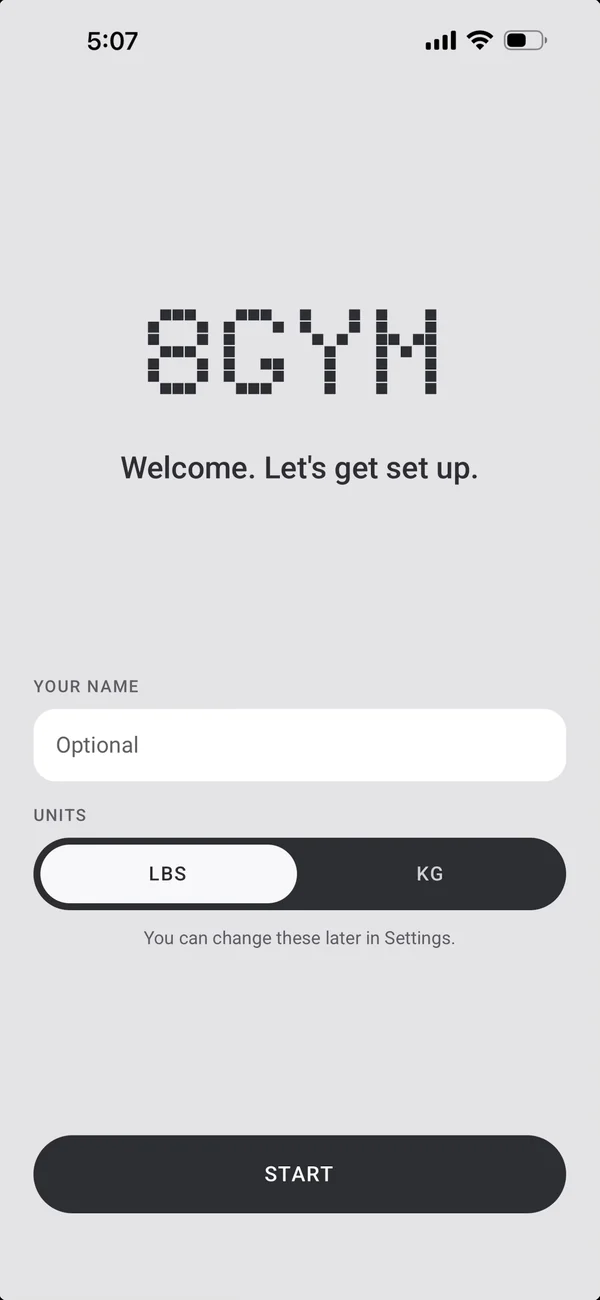
No forms to fill in. Open 8GYM, say who you are, and start.

First launch
Two questions.
- Your name and units (lbs or kg), then Start.
- Everything else has sensible defaults.
From another phone
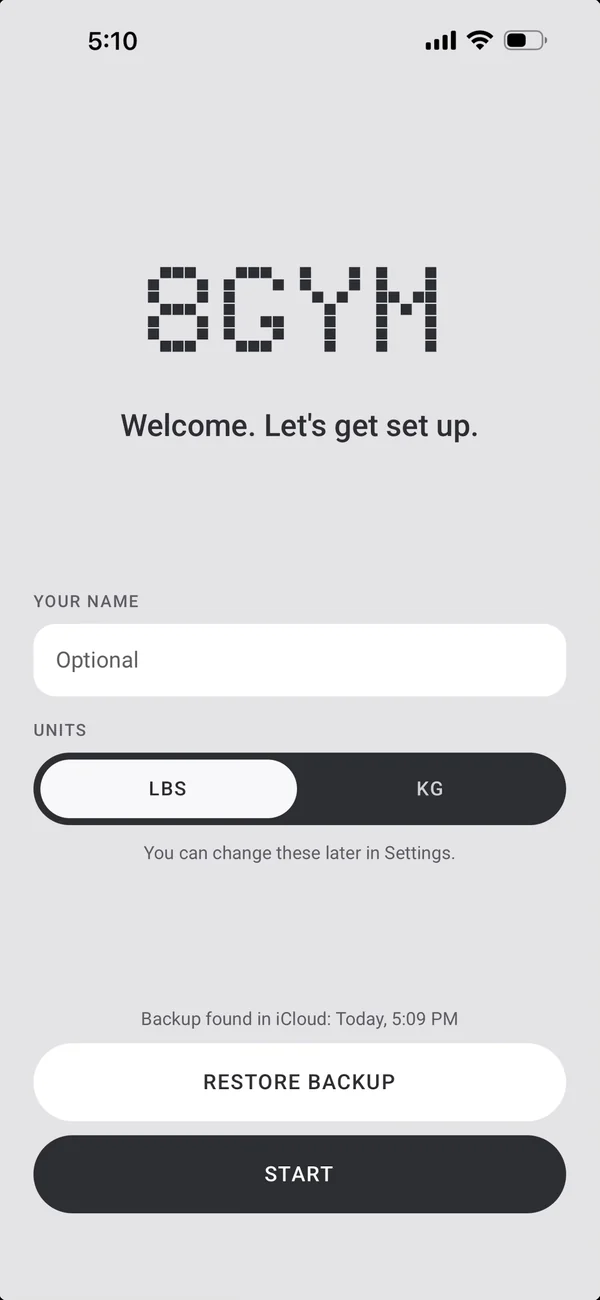
Pick up where you left off.
- Restore backup is right there if iCloud has one.
- A new phone picks up where you left off.
Ready to go
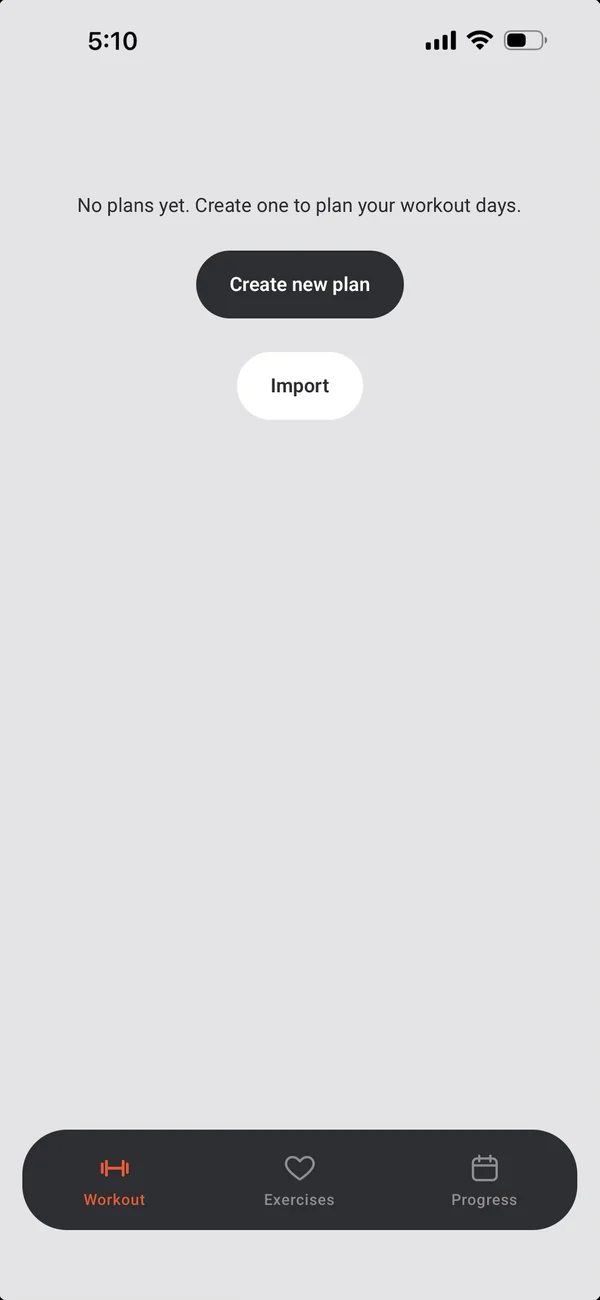
Nothing to set up first.
- A new install has the core library.
- Build a plan, or start an empty workout straight away.
Coming from another app
Bring your exercises with you.
- The library builder on this site turns your exercise list into an import code.
- Paste the code into Import in 8GYM.
More iPhone features
← PreviousBackup and your dataYour data is yours. Back it up, take it with you, export it.Next →SettingsRest, sounds, units and the watch, your way.
All features