iPhone
Settings
Rest, sounds, units and the watch, your way.
A short list of settings, grouped so you find them fast.
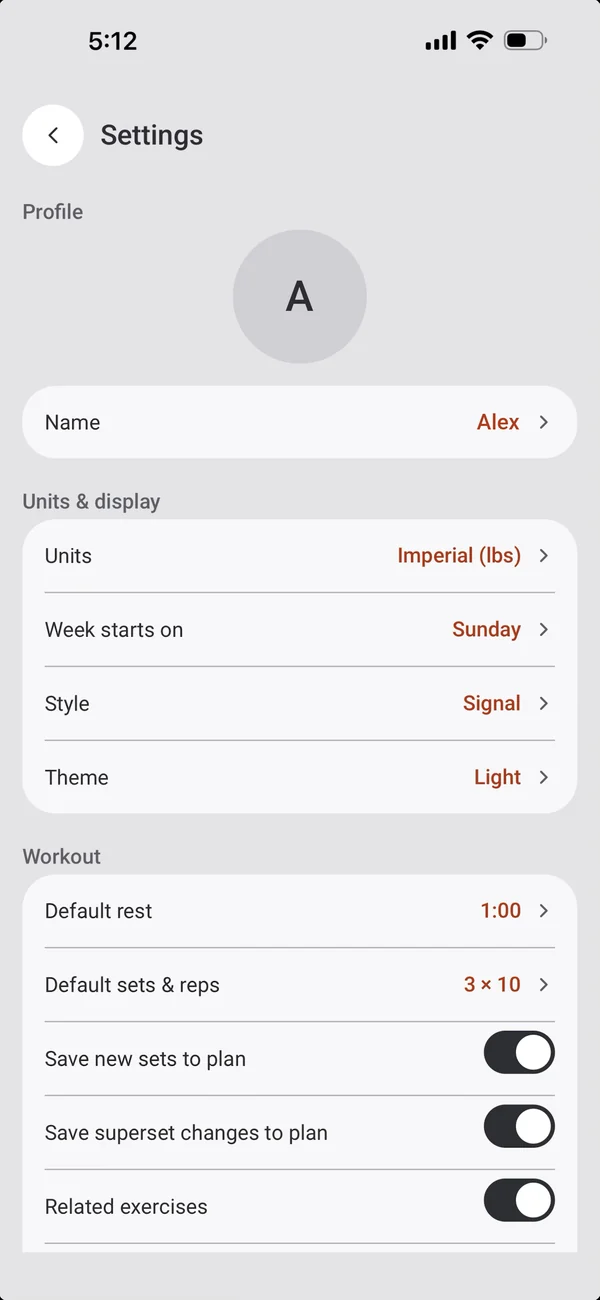
Units and display
How 8GYM looks and counts.
- Units in lbs or kg, and the week starting on Sunday or Monday.
- Style (Pixel or Signal), theme (System, Dark, Light or Custom) and custom colours.
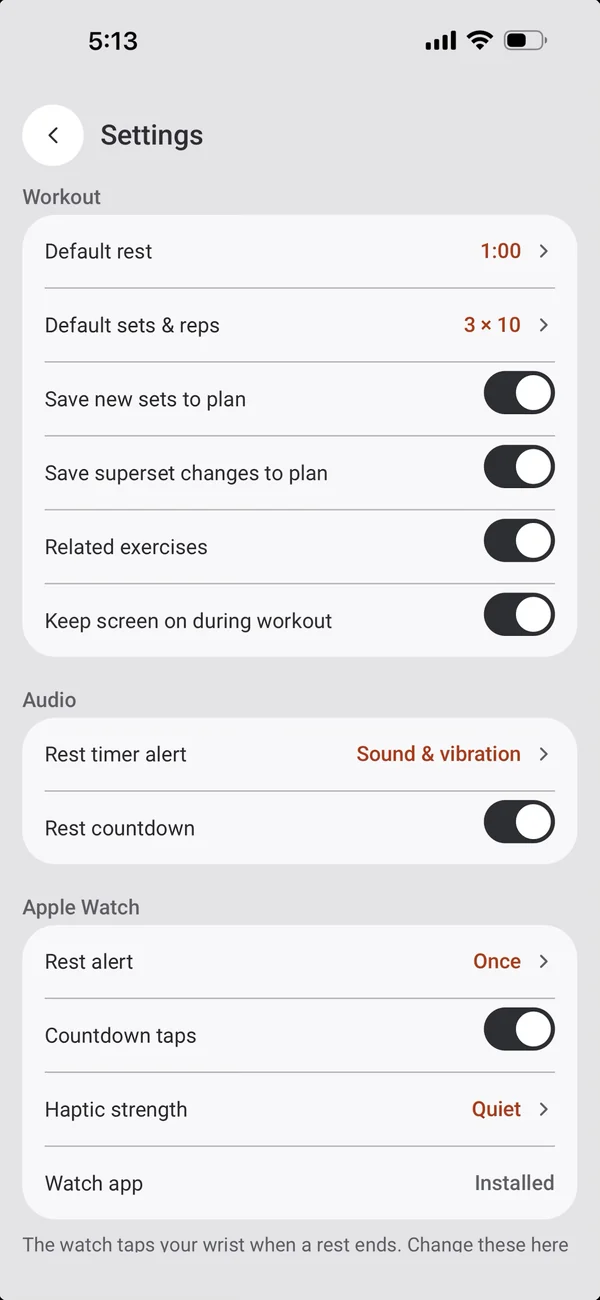
Workout
How workouts start and save.
- Default rest, and default sets and reps.
- Save new sets and superset changes to the plan.
- Related exercises, and keeping the screen on.
Audio
When rest ends.
- The rest timer alert: sound and vibration, sound, vibration, or off.
- A rest countdown.
Apple Watch
Set the watch from your phone.
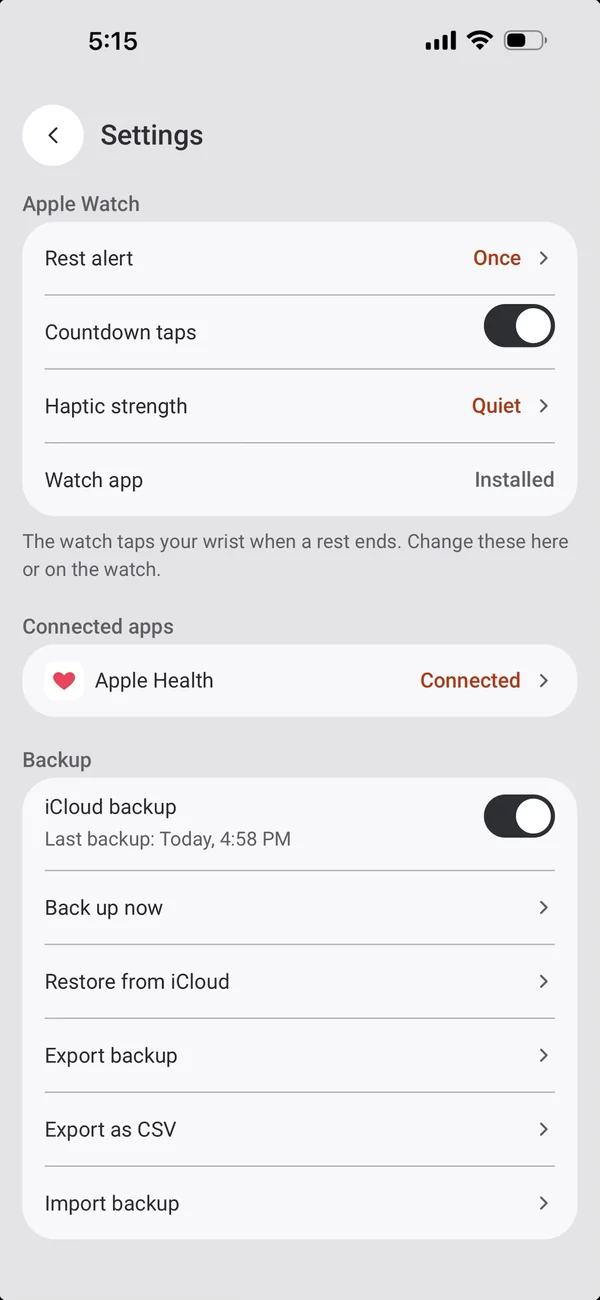
- The rest alert: off, once or repeating, with countdown taps and their strength.
- The watch app’s status.
Connected apps, backup and data
Your data, your call.
- Apple Health.
- Back up now, restore from iCloud, export a backup or CSV, and import a backup.
- Clear all data.
More iPhone features
← PreviousGetting startedYour name and units, then straight to training.Next →Support the appFree, with optional tips.
All features